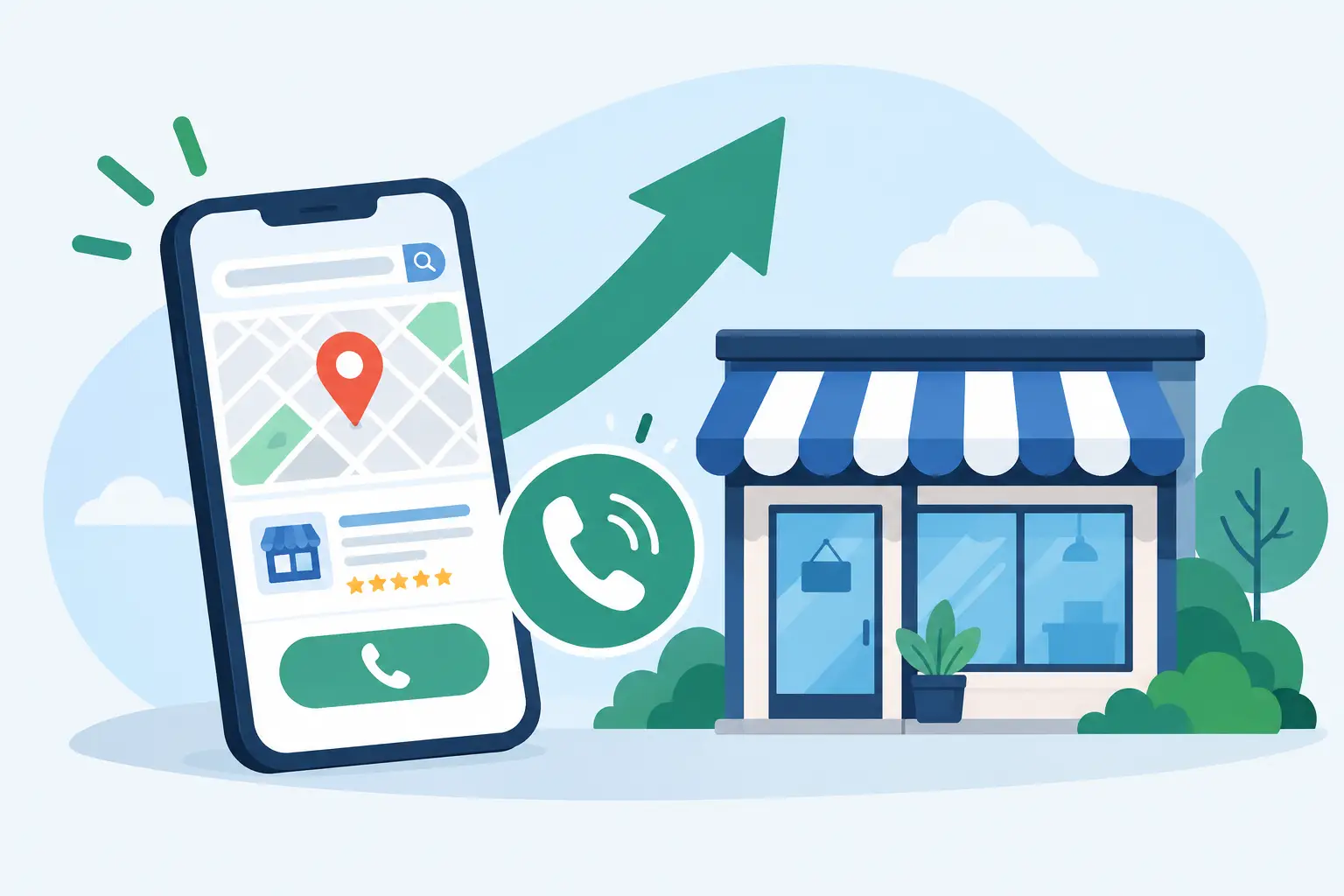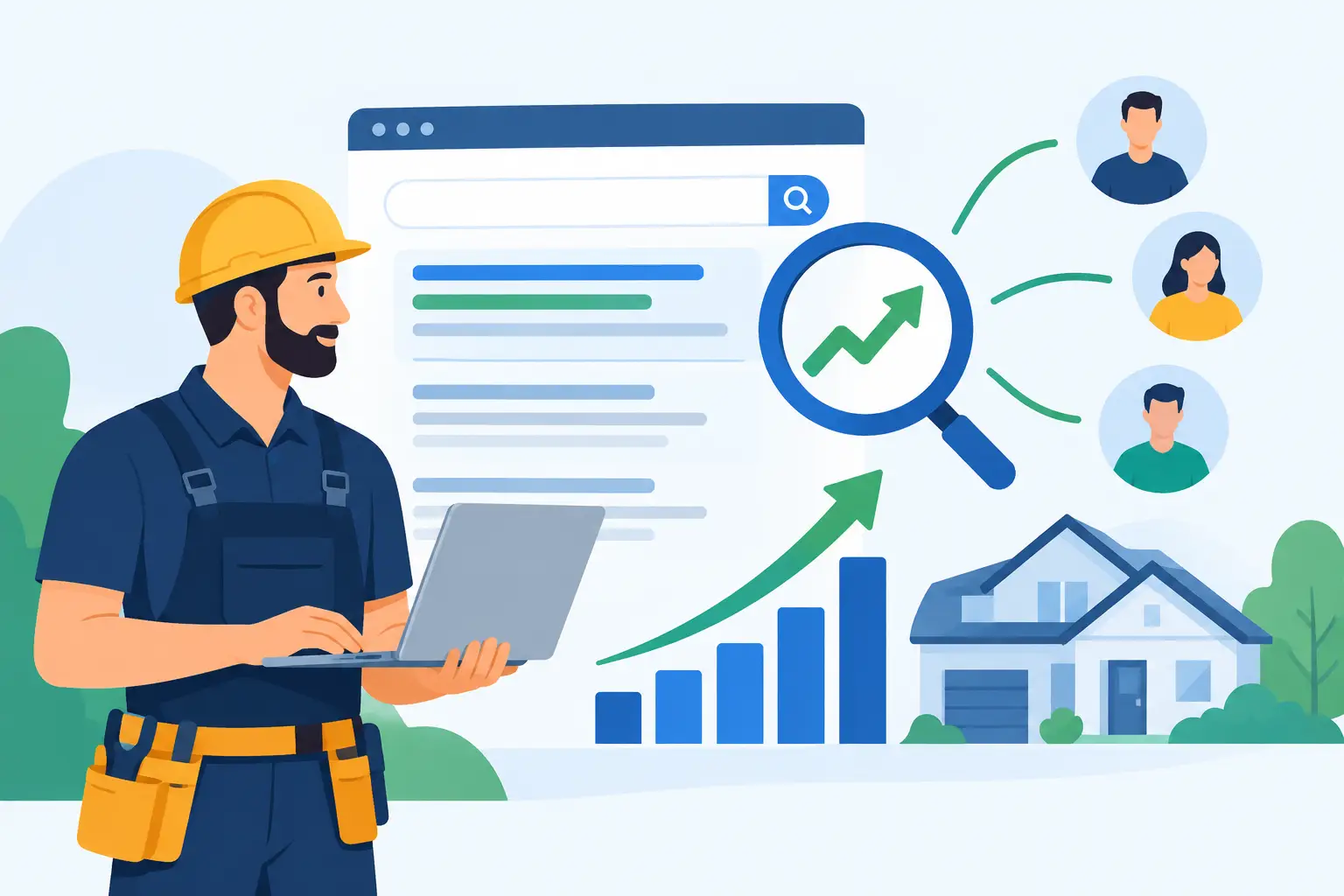
Contractor SEO Results That Bring Better Leads
Learn what drives contractor SEO results, how long progress takes, and which local search actions turn website traffic into qualified…
Want more people to see your business, product, or service on Instagram? Running ads on Instagram is a great way to do that! Since Facebook owns Instagram, they are closely connected, which makes managing ads easy. When you set up ads through Facebook’s platform, you can choose to show them on Facebook, Instagram, or both—giving […]
Want more people to see your business, product, or service on Instagram? Running ads on Instagram is a great way to do that! Since Facebook owns Instagram, they are closely connected, which makes managing ads easy. When you set up ads through Facebook’s platform, you can choose to show them on Facebook, Instagram, or both—giving you more ways to reach your audience. This connection allows you to target specific groups of people effectively and track your ad’s performance across both platforms in one place. Here’s a straightforward step-by-step guide to help you get started.
1. Create a Facebook Business Account
Instagram ads are managed through Facebook’s ad system. If you don’t have one, create a Facebook Business Manager account.
2. Link Your Instagram Account
3. Decide What You Want to Promote
Think about your goal:
4. Create a New Ad Campaign
5. Set Your Budget and Schedule
6. Choose Your Audience
7. Create Your Ad
8. Review and Place Your Order
9. Monitor Your Ad
Tips for a Successful Instagram Ad
Ready to Grow Your Business?
Running Instagram ads is a powerful way to reach more people. Just follow these steps, and you’ll be on your way to creating effective ads that can boost your presence and sales!