Contractor SEO Results That Bring Better Leads
Learn what drives contractor SEO results, how long progress takes, and which local search actions turn website traffic into qualified…

Learn how to optimize Google Business Profile details, reviews, photos, and updates to earn more local calls, visits, and qualified customer leads today.
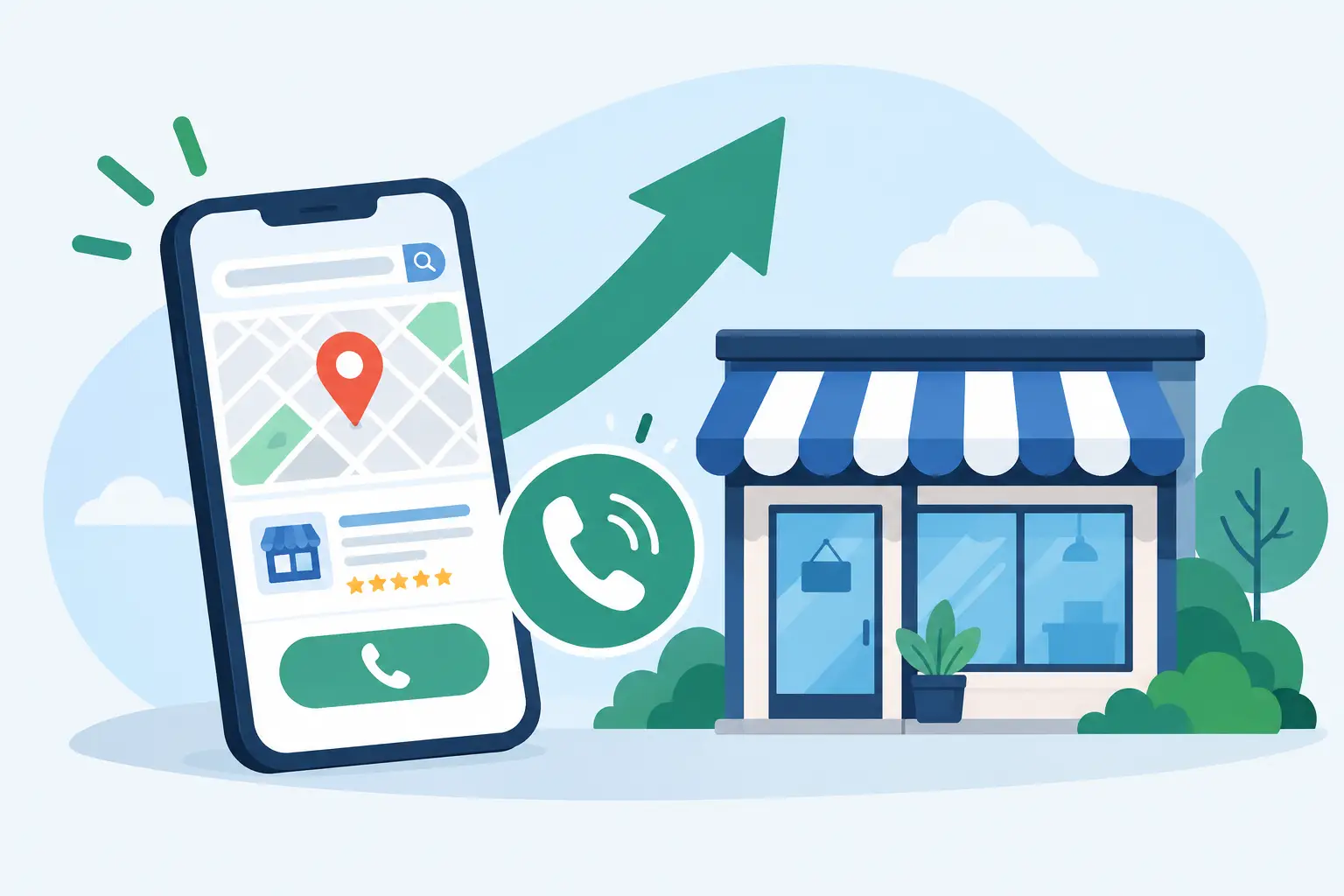
When someone searches for a roofer, dentist, med spa, landscaper, or tire shop nearby, they often make a decision before they ever visit a website. To optimize Google Business Profile is to make that first decision easier: show customers that you are nearby, credible, active, and ready to help.
For local B2C businesses, your Google Business Profile is not a minor directory listing. It is a high-visibility sales asset that can drive phone calls, direction requests, website visits, and appointments. The businesses that earn attention in local results usually do the basics consistently, then give customers enough proof to choose them with confidence.
Google’s local results are designed to connect searchers with businesses that best fit what they need and where they are. A complete profile helps Google understand your services and helps prospective customers understand what it will be like to work with you.
Local visibility generally comes down to relevance, distance, and prominence. You cannot control how close a customer is to your location. You can, however, improve relevance by accurately describing your business and services. You can build prominence over time through strong reviews, current information, useful photos, and a credible presence across your website and other marketing channels.
A profile that is incomplete, outdated, or filled with generic language gives customers a reason to keep scrolling. That is a costly outcome when the person searching may need service now.
The foundation is simple, but it requires care. Claim and verify your profile, then make sure every core detail matches reality. Use your legal or customer-facing business name as it is used offline. Do not add service keywords or city names to the business name unless they are genuinely part of your registered, public-facing name. Keyword stuffing can create trust and policy problems.
Choose the most specific primary category available. A dental practice, for example, should not default to a broad category if a more precise option describes its core service. Your primary category carries real weight because it tells Google what your business is. Secondary categories can support additional services, but only add categories that accurately apply.
If customers visit your office, clinic, showroom, or storefront, publish the correct address and keep the map pin accurate. If you travel to customers, such as a roofing contractor, mobile tire service, or landscaper, use the service-area setup that fits your business model. Do not display a home address when customers are not served there.
Set regular hours, holiday hours, and any special availability customers need to know. A customer who arrives at a locked office or calls after seeing incorrect hours is unlikely to give you another chance. Add your primary phone number and website, and make sure both lead to a working, customer-friendly experience.
Once the essentials are accurate, focus on the information that helps a searcher decide whether you are the right fit. The goal is not to repeat keywords unnaturally. It is to describe what you do in the same clear language your customers use when they are looking for help.
Your business description should quickly cover your primary services, the customers or areas you serve, and what makes your approach dependable. A cosmetic practice might mention consultations, the treatment categories it provides, and its approach to patient comfort. A contractor might explain its project types, service area, licensing or relevant credentials, and how estimates are handled.
Avoid broad claims such as best service in town unless you can support them. Specifics are more persuasive. Customers want to know whether you handle their job, whether you serve their neighborhood, and what happens next when they contact you.
The services section is a practical place to add the work you actually perform. Create clear service names and brief descriptions that explain the customer benefit. A landscaping company may include lawn maintenance, landscape design, irrigation repair, seasonal cleanup, and hardscaping. A dental practice may list preventive care, cosmetic dentistry, emergency visits, implants, and whitening where applicable.
Do not create dozens of near-identical services just to cover every keyword variation. That makes the profile harder to manage and can read like advertising copy rather than useful information. Prioritize the services that generate revenue, are frequently requested, or distinguish your business from nearby competitors.
For businesses that sell defined items, the product section can also help customers see offerings before they call. Include useful names, short descriptions, and accurate pricing only when pricing is stable enough to avoid confusion.
People evaluate local businesses quickly. Professional, current photos reduce uncertainty in a way text alone cannot. Start with a strong logo and cover image, then add images of your storefront, team, vehicles, completed work, treatment spaces, equipment, or products. For a home service company, before-and-after project images can be especially persuasive when they are authentic and properly represent the work.
Photo quality matters, but perfection is not the point. Real, well-lit images that show an active business will usually do more for trust than generic stock photography. Add new images regularly so the profile does not look abandoned.
Reviews are equally important because they reflect the customer experience in the customer’s own words. Build a simple review-request process into your operations. Ask shortly after a successful service, when the experience is fresh. Make the request polite and consistent, and never offer incentives in exchange for positive reviews.
Respond to reviews, including critical ones, with professionalism. A thoughtful response is not only for the reviewer. It is for the next customer who is deciding whether your business handles problems responsibly. Protect customer privacy, avoid arguing, and move account-specific issues offline when needed.
An active profile signals that the information is being maintained. Use updates to highlight seasonal services, promotions, completed projects, local events, new offerings, or helpful customer reminders. A garden center might post about spring planting inventory. A roofing company might share storm-readiness guidance. A med spa could announce an available treatment consultation or seasonal skin care focus.
Frequency should match your capacity. A few useful updates each month are better than daily posts that feel repetitive or go unanswered. Every update should have a purpose: answer a question, encourage a call, reinforce credibility, or direct attention to a timely service.
Use the questions and answers area carefully as well. Add answers to common, legitimate questions when they would help customers, and monitor it for inaccurate public responses. This is particularly valuable for businesses with recurring questions about service areas, scheduling, payment options, accessibility, or appointment requirements.
Do not judge success by ranking screenshots alone. Rankings vary by location, device, competition, and the exact words a customer uses. More useful measures include calls, website clicks, direction requests, appointment actions, messages where available, review growth, and the quality of leads your staff receives.
Review your profile performance regularly alongside website traffic and lead records. If customers repeatedly call for a service you do not offer, refine your categories, services, and description. If a high-margin service receives little interest, check whether it is clearly represented in the profile and supported by relevant photos, reviews, and website content.
This work is ongoing because your business changes, customer expectations change, and local competitors do not stand still. IT Resource Marketing helps businesses keep their local presence accurate, credible, and connected to a broader marketing plan, so digital visibility does not become another task that falls off the owner’s desk.
Your next customer may be comparing three businesses from a phone in a parking lot or from their kitchen table. Give them a profile that answers the obvious questions, proves that real customers trust you, and makes the next step feel easy.